


When employees arrive at a new office, they expect their computers, phones, and network connections to work. Getting there takes coordination well before the moving truck arrives. The IT relocation services you choose should address how your equipment will be protected and who will reconnect it, but, most importantly, when your team can resume work.
Look for experience with equipment like yours
Moving a workstation requires different skills than moving a server room. When talking to your moving and logistics partner, share an inventory of computers, monitors, servers, and network equipment, then request references for comparable projects. When checking references, ask whether systems were ready on schedule and how the provider handled unexpected problems.
Ask how the company trains its crews. Find out about their process for protecting the equipment. A qualified provider should explain its approach to anti-static protection, cushioning, secure transport, and manufacturer handling requirements. For server racks, ask whether equipment must be removed before transport and who makes that assessment.
Define who handles each step
Work with your provider to develop a written scope of the work to clarify which tasks belong to the mover, your internal IT team, or another provider, including any subcontractors. This includes disconnecting your devices and labeling cables, in addition to packing equipment, reconnecting workstations, and testing functionality.
Coordinating IT services for your office move can simplify communication, but responsibilities still need to be clearly defined.
Tip: Ask, “Does your quote include reconnection and testing at every workstation?” Delivery alone does not mean employees are ready to work.
Check security from pickup to handoff
You must treat your moving day like any other security risk. The Federal Trade Commission’s cybersecurity guidance recommends limiting who can physically access devices with sensitive information and encrypting the data stored on them. Have your IT team confirm both before anything is packed.
Then follow the equipment the whole way. Your moving partner should provide a chain-of-custody record that shows who handled each device and when it changed hands. It’s also important to find out how your equipment will be sealed and tracked and who has access to it while it’s on the truck or in storage. If something goes missing or arrives damaged, there should be a written process for reporting it. The same rules should apply to any subcontractors on your project.
At the new office, check every item against the inventory before anyone signs off.
Ask for a realistic downtime plan
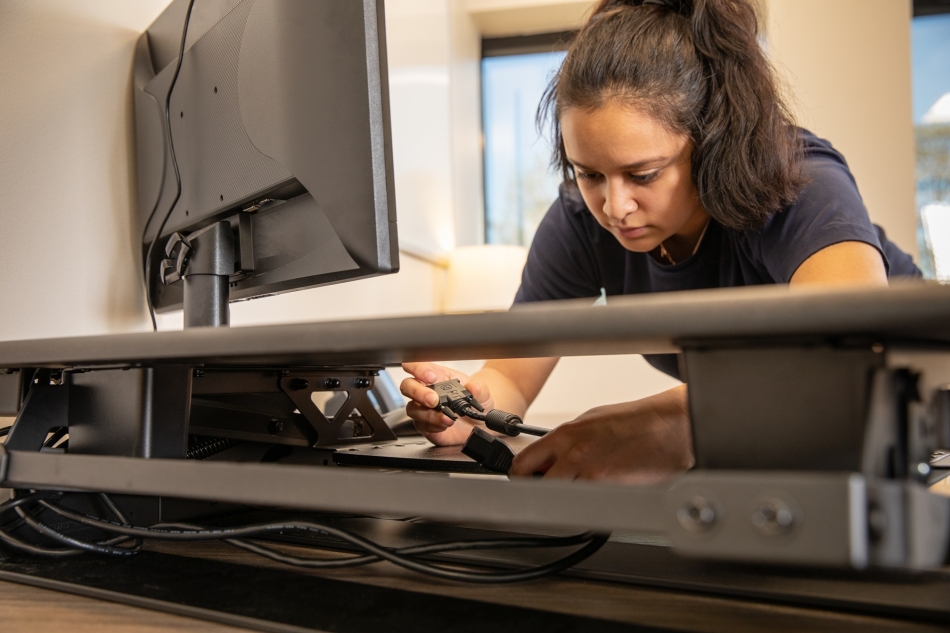 Any mover quoting an office IT move should be able to tell you how long your systems will be offline. A good proposal spells out when equipment shuts down, the order it comes back up, and how much time is set aside for testing before your team logs in.
Some of that depends on the new space, not the movers. If the internet circuit isn’t live or the network cabling isn’t finished, nothing in the plan will matter on move day, so confirm both well ahead of time. The same goes for scheduling. A weekend move only saves time if the building will let the crew in and your IT technicians are available to bring everything back
CISA recommends that you test your backups regularly. Your IT team should verify recovery readiness before you shut down your equipment for the move. They should also develop a contingency plan if a critical system does not restart.
Tip: Decide ahead of time what “done” means. For most offices, the move isn’t finished until employees can log in, get online, and open the programs they use every day. Pick one person, usually your IT lead, to test that and sign off before the movers leave.
Compare coverage and the full cost
Before you sign with a mover, ask for a copy of their current insurance and their written terms for lost or damaged equipment. Then send both to your insurance adviser. They’ll know what to look for, like coverage limits, deductibles, and anything excluded. They can also check whether the coverage applies at every stage, from the moment equipment is loaded to the day it’s unloaded at the new office, including any time it spends in storage.
Two gaps catch a lot of businesses off guard. Coverage for damaged equipment usually doesn’t pay for lost data, and it typically won’t cover the revenue you lose if systems are down longer than planned. If either one is a real risk for your business, ask about it directly.
When you receive quotes, make sure each mover priced the same inventory and the same list of services. Packing, after-hours labor, storage, reconnecting equipment, and support after the move are sometimes billed separately, so pay close attention to what’s included in the quote. A lower quote may simply leave some of that work for your team.
Build your move around business readiness
An office IT move goes best when the technology plan and the moving plan are built together, not side by side. Bring your IT team into the conversation early, ask movers the questions above, and compare proposals on what they’ll actually handle. For more on planning the rest of the move, see our office moving checklist.